Controller Drift Repair Kit Guide
What to buy first, what actually helps, and when spending more on repair gear stops making sense.
Quick decision table
Use this if you want the fastest sensible next step.
| Situation | Best move | Typical spend | Why |
|---|---|---|---|
| Light, recent drift on one stick | Repair kit | ~£10–25 | Cheapest first attempt and often enough if the issue is contamination, not wear. |
| You want to open the shell properly | Repair kit + precision tools | ~£15–30 | Useful if you already know you're comfortable taking the controller apart. |
| Heavy drift, repeat failures, or both sticks affected | Replace the controller | ~£30+ | At this point the hardware is usually wearing out and repair becomes false economy. |
What to buy first
These recommendations are intentionally simple. Most gamers do not need a huge toolkit for a first clean.
The most useful starting point. You're looking for contact cleaner plus swabs or cloths, not a giant repair bundle full of tools you won't use.
- Use only electronics-safe cleaner
- Good for light or recent drift
- Cheapest sensible first attempt
Only buy the more complete kit if you already expect to open the controller. Otherwise, a simpler cleaner-first approach is usually enough.
- Useful for internal access and a deeper clean
- Not necessary for every first attempt
- Buy this only if you're comfortable with disassembly
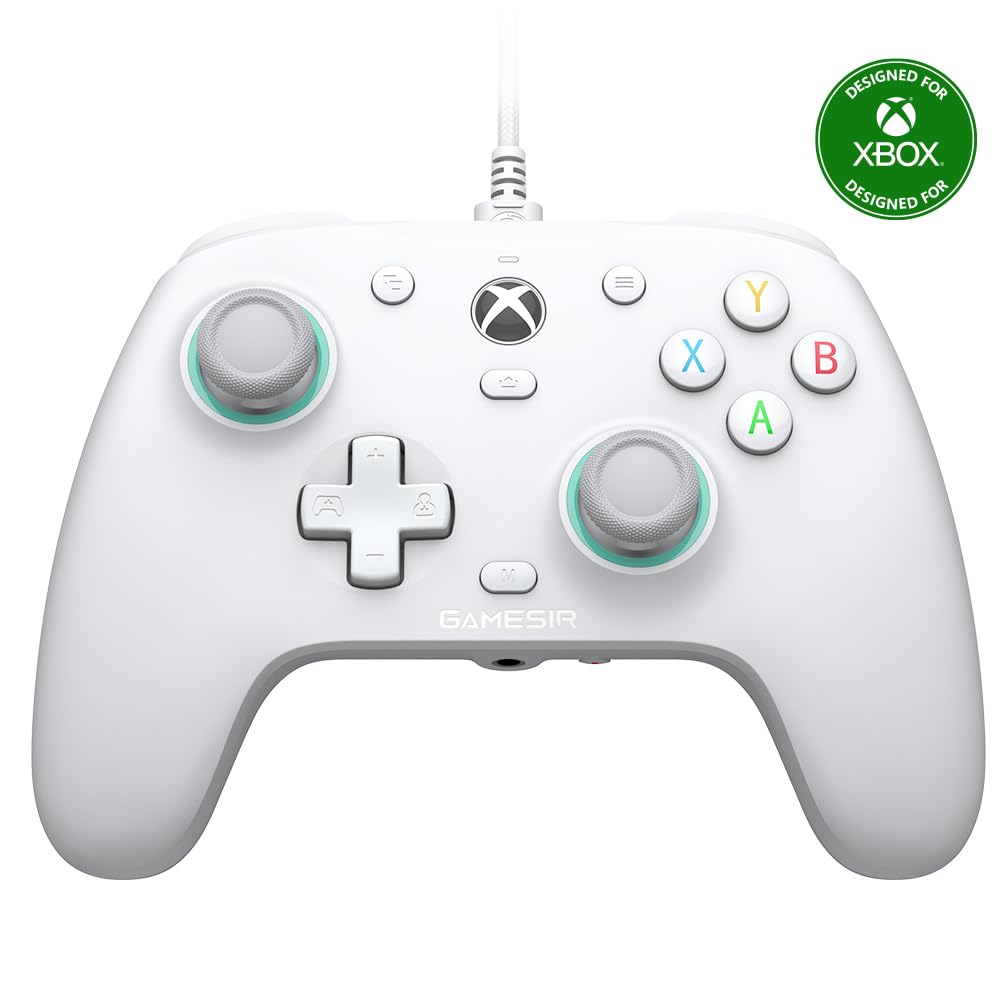
If you already know the controller is wearing out, this is the cleaner long-term spend for many Xbox and PC players.
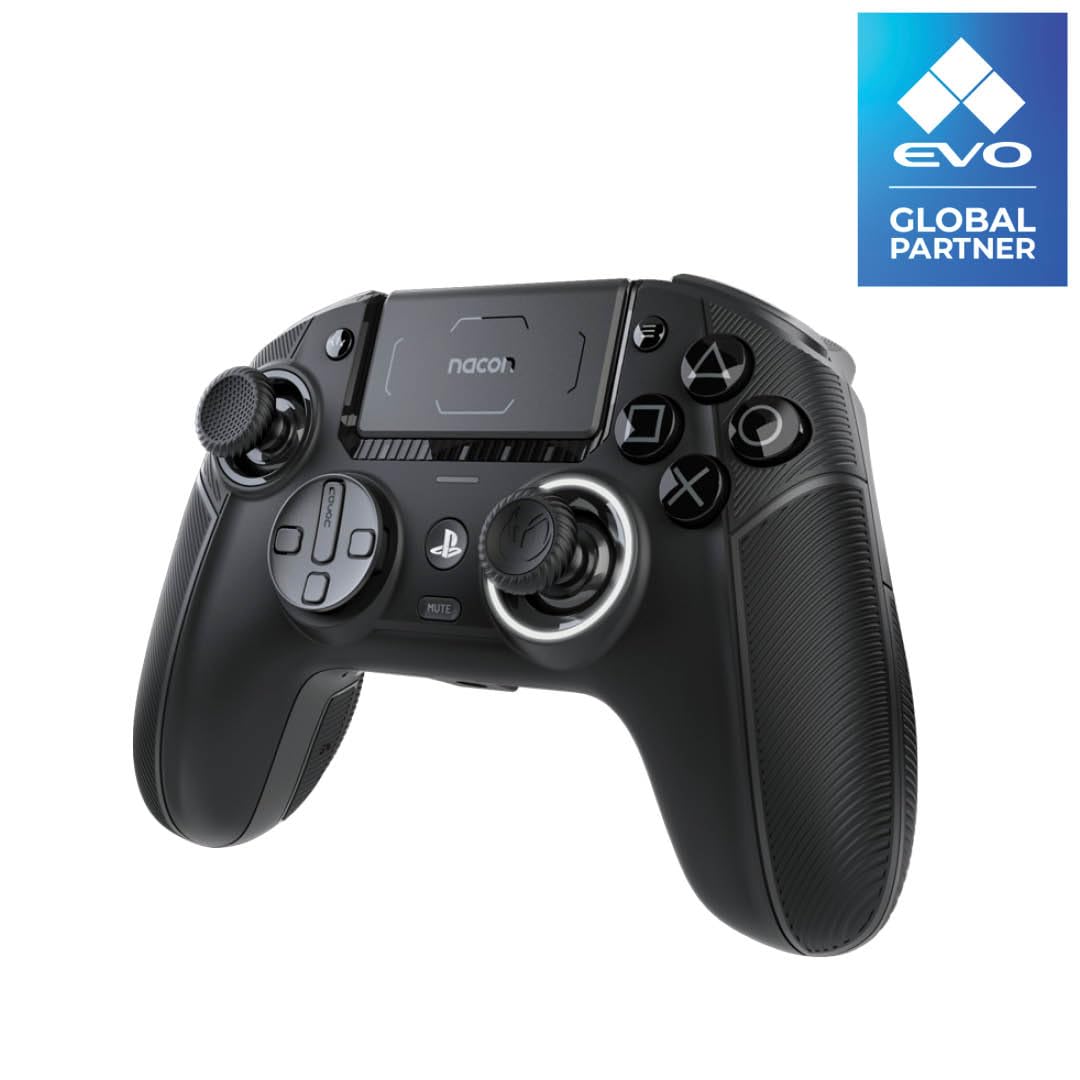
For PS5 players, replacement choices are narrower. If drift is recurring, it can make more sense to jump straight to a stronger hall effect option.
How to use a repair kit without wasting time
Get a clear baseline on the tester so you know whether the kit actually helped afterwards.
A small amount around the stick base is enough. Too much liquid just makes a mess and increases drying time.
If the drift score barely changes, don't keep buying cleaner. That is usually a sign the hardware is wearing out.
When to stop buying repair gear
- The drift only started recently
- Only one stick is affected
- The tester shows a mild yellow result
- You have not tried cleaner yet
- The drift keeps returning after cleaning
- Both sticks are affected
- The tester shows a solid red result
- The controller is already old and heavily used