HTML5 Gamepad Tester & Controller Drift Checker
Test buttons, sticks, dead-zones, and browser-side timing estimates while keeping live controller input local.
What Is a Gamepad Checker?
A simple free gamepad tester tool designed to help diagnose controller issues. This free checker can detect joystick drift, estimate input latency, and test button responsiveness without any downloads. Compatible with Xbox, PlayStation, Nintendo Switch Pro, and PC controllers, it runs on macOS, Linux and mobile devices. Use this gamepad checker to troubleshoot problems and optimise performance, whether you're a casual gamer or an esports enthusiast.
How to use GamepadTester.uk
- To use the gamepad checker to detect issues connect a controller via USB or Bluetooth.
- Press any button – the gamepad tester will auto-detect your gamepad.
- Move joysticks to allow the checker to build a drift heat-map, check calibration, or watch the dead-zone gauges.
- Click Start Test in Human Latency Tap-Test, wait for the red square, then tap a button.
- Need evidence? This tester includes a downloadable JSON log, CSV or PDF report from the Advanced panel.
Controller Info
This shows basic details about your connected controller. Battery level requires WebHID support in your browser.
Live Input
Buttons
| # | On | Val |
|---|
Axes
| # | Val |
|---|
Live view of button presses (On/Val) and axis values (-1 to 1). Use to check if inputs register correctly.
Bright clusters away from the centre while untouched usually suggest drift. Rings and crosshairs are visual guides only.
Drift Score (At Rest)
Warming upLeave the controller untouched for a moment so the browser can lock onto a clean idle window.
Drift is measured only while the controller looks genuinely idle: no buttons pressed, sticks steady, and brief spikes trimmed out. Lower is better. 0% = perfect centre. For best accuracy, use Chrome or Edge and wired mode if possible.
—
—
Affiliate links help keep the tester free. We only show them after a relevant verdict.
Results are indicative and based on browser-level input data.
Detailed Analysis (Optional)
If you're unsure whether to fix or replace, this breaks down your raw inputs and stability.
Your main verdict above is complete. This optional beta view shows raw stick stats and a deeper stability breakdown for troubleshooting.
Beta: no payment yet · This may become a one-off add-on later · No account
| Metric | Value |
|---|---|
| Affected stick / axis | — |
| Centre offset (abs) | — |
| Idle jitter (range) | — |
| Left drift score (at rest) | — |
| Right drift score (at rest) | — |
| Measurement confidence | — |
| Stable sample window | — |
| Polling rate observed | — |
This analysis is based on browser-level input data and is intended as a helpful guide.
Recommended next step
Based on this test, here are practical options. (Affiliate links — helps support the free tool.)
Tip: If you buy via these links, it supports the site at no extra cost.
Live Drift Trace
Scrolls left → right (~10 s). 0 = centre, 1 = full deflection.
Compare by platform
One clear Amazon pick each for PC, Xbox, and PS5, so you do not need to leave the tester and scan a full buyer guide first.
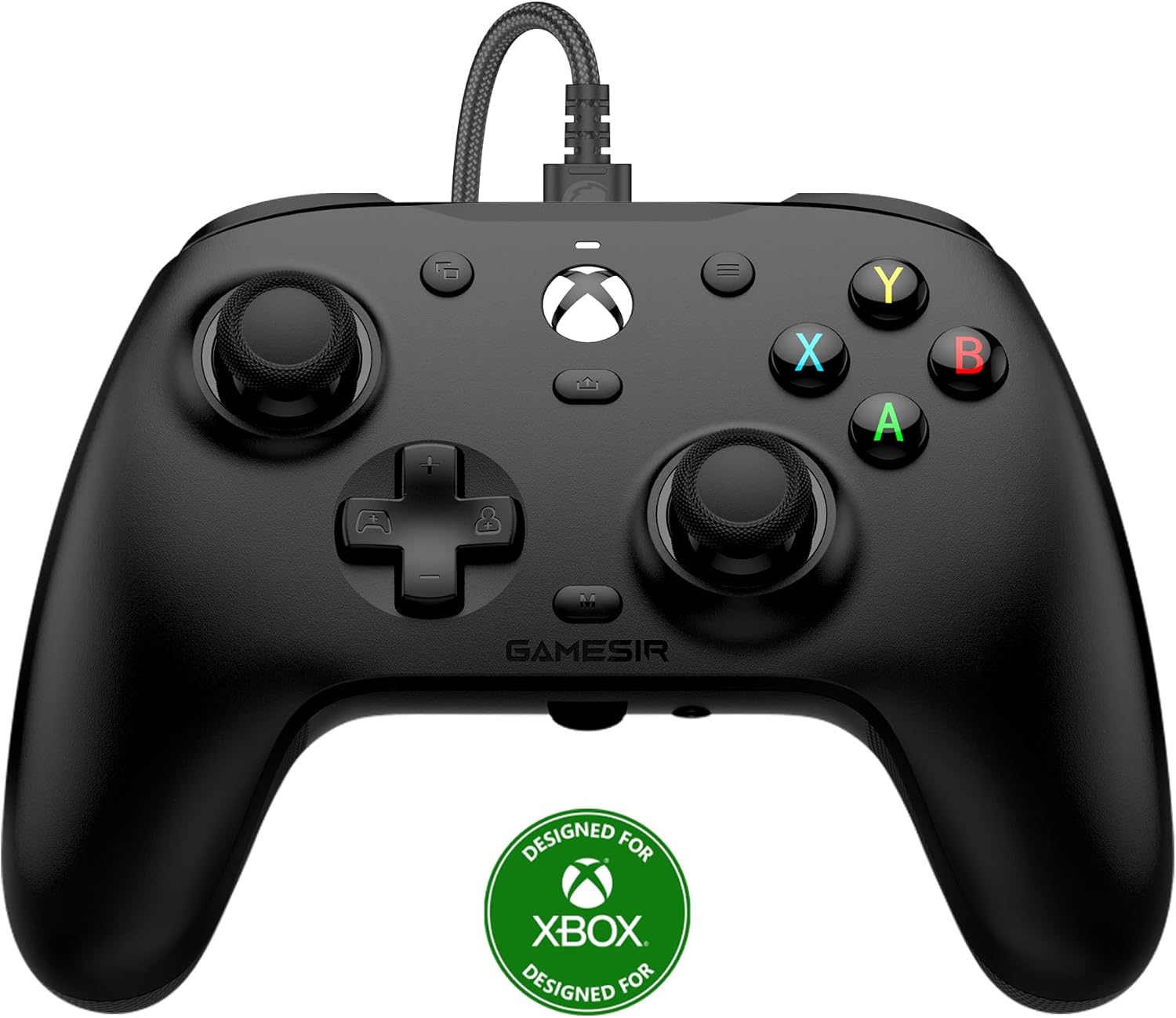
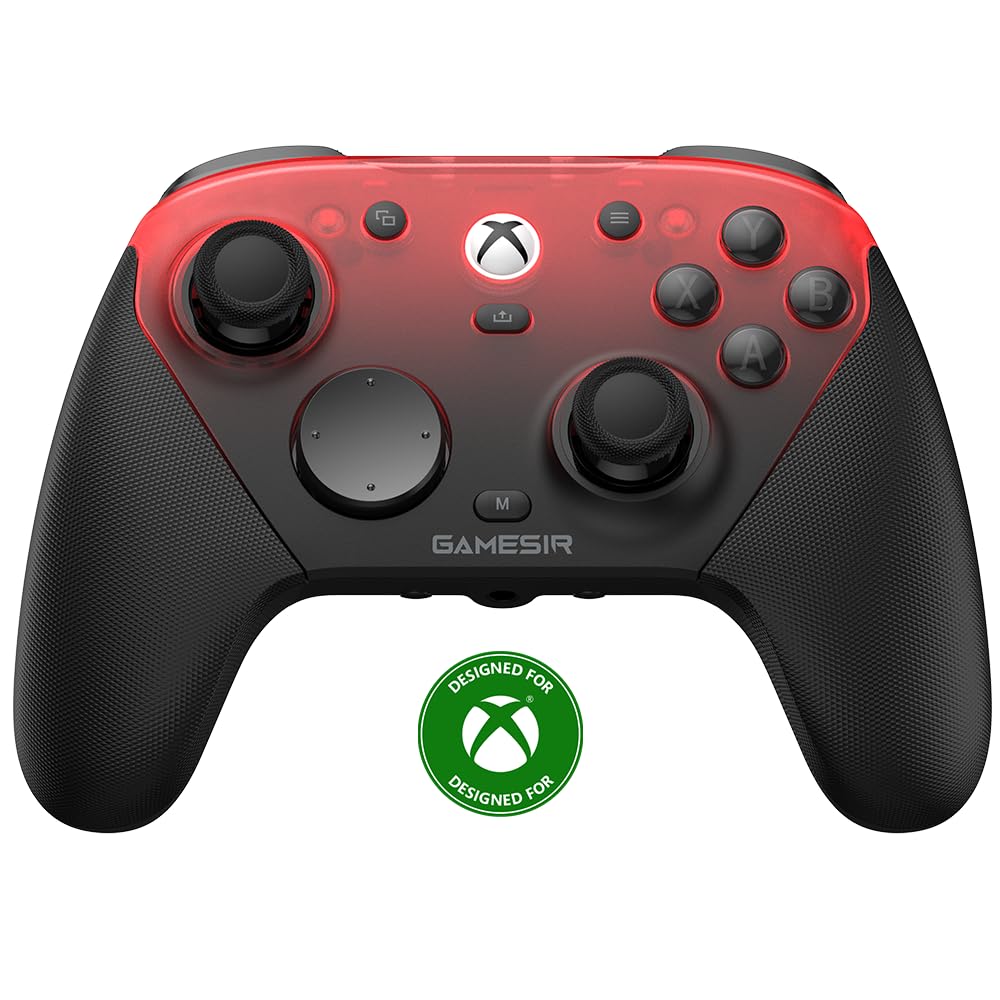
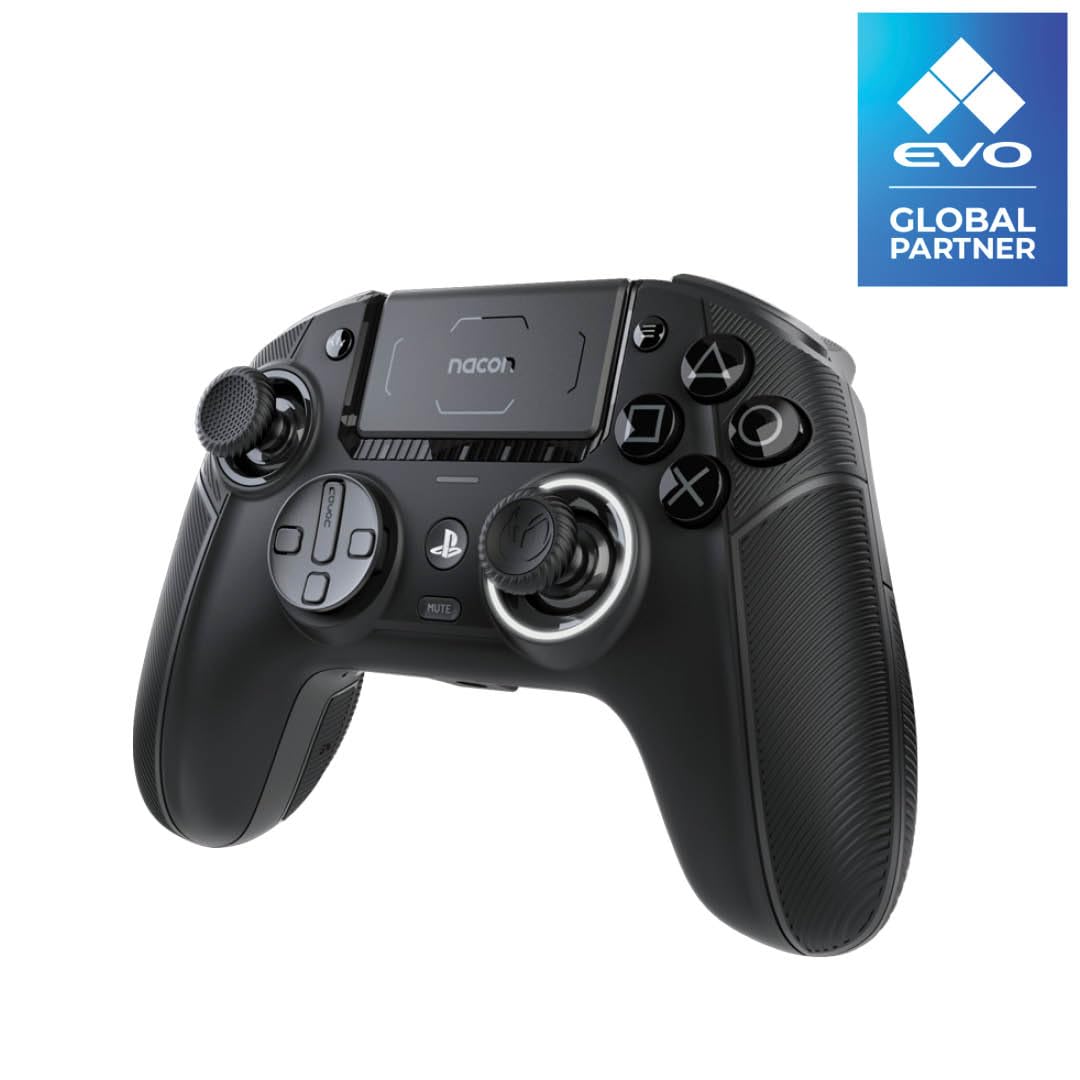
Images only appear in this recommendation rail, not inside the live tester itself.
Left Stick Dead-Zone
Shows current stick position. Inner circle is dead-zone; dot should stay centered when not touching.
Right Stick Dead-Zone
Shows current stick position. Inner circle is dead-zone; dot should stay centered when not touching.
Analog Stick Calibration
Move sticks to their full range to check calibration.
Path should form a smooth circle reaching edges. Irregular shapes mean calibration problems.
Good for spotting unwanted stick movement and uneven travel in the browser.
Human Latency Tap-Test
Wait for red square, then tap button.
Last: – ms | Average: – ms | Attempts: 0
This test measures your reaction plus the wider system chain, not pure controller lag. The update interval below is a browser-side estimate that is useful for comparison, not a lab-grade reading.
Polling Rate Estimator
Start the test, then move sticks constantly.
Avg Rate: – Hz | Min/Max: –/– Hz
Higher Hz means faster updates in the browser. Many controllers are 125–250Hz; premium pads can reach 500–1000Hz, but this remains a browser-observed estimate rather than hardware proof.
Differences beyond this can still be felt in-game, but can’t be reliably verified in a browser.
Controller Health Score
Collecting stable samples...
Overall heuristic based on stick accuracy at rest and observed update speed in the browser. Useful for comparison, but not a certification.
How it’s calculated:
Drift (60%): median stick movement while the controller is at rest (stable, near centre). 0% is perfect; higher % indicates drift.
Polling (40%): estimated from controller timestamp updates while you move sticks (trusted once enough samples exist).
Note: you may see “Collecting stable samples…” for a few seconds — that’s normal.
Ratings: Optimal (80–100): excellent. Minor issues (50–79): some drift or slow updates. Significant problems (<50): high drift/latency—consider replacement.
Next steps (based on overall controller health)
Practical options based on your overall test results. (Affiliate links — helps support the free tool.)
This recommendation is based on your overall test results, not latency alone.
These are practical functional checks. Availability and detail vary by browser and controller, especially for IMU and vibration features.
Button Mapping
Highlights pressed buttons. Use to verify all buttons work and map correctly.
Motion Sensor Data (IMU)
Accelerometer (G)
Gyroscope (deg/s)
Visualizer shows Accel tilt (X/Z).
Trigger Sensitivity
Left Trigger
Right Trigger
Shows trigger pull (0-100%). Should increase smoothly from 0% (released) to 100% (full press).
Advanced Vibration Test
Tests rumble motors. Adjust sliders and test; should feel varying intensity/duration if supported.
Input History Download CSV
| Time | Event |
|---|
Log of recent inputs. Download CSV for records or support tickets.
Export a polished full report
Generate a cleaner PDF summary with verdicts, drift numbers, controller details, and optional visual evidence for support tickets or resale checks.
Everything is generated locally in your browser unless you separately choose to share an anonymous leaderboard summary.
D-Pad Live Trace Advanced
Visualises how your D-pad inputs are interpreted over time (digital → trace). Useful for diagonals, bounce, and flaky directions.
Open D-Pad Live Trace
Astro Blaster Game Test
Use your gamepad to control the ship and shoot asteroids. This is a practical stress test for sticks and face buttons, not a lab-grade benchmark. Scores are influenced by player skill, familiarity, and controller behaviour, so use it as supporting evidence rather than a diagnosis. Move with left stick, shoot with A button.
Controls: Left stick to move, A button to shoot. Score: 0. Game ends on collision; restart manually.
Community Controller Stats
Anonymous results shared by users. Sorted by health (highest first). Refresh to update, or open the dedicated leaderboard page for the fuller view.
| Model | Latency (ms) | Left Drift (%) | Right Drift (%) | Health | Date |
|---|
No results yet—be the first to share!
Why choose an online gamepad tester over built-in OS tools?
Other controller panels have not changed for years. GamepadTester.uk gives you live heat-maps, JSON/CSV/PDF exports for support tickets, reaction and polling benchmarks, and it works on macOS, Linux, Steam Deck and mobile too — all controller data stays on your device. This tool will get built out over time, so if you have suggestions please message me (contact on the About page).